Scan-based setup
Text-based installation
Pro tip: Set up your eSIM shortly before you travel.
Once you arrive, it can connect right away without needing Wi-Fi at your destination.
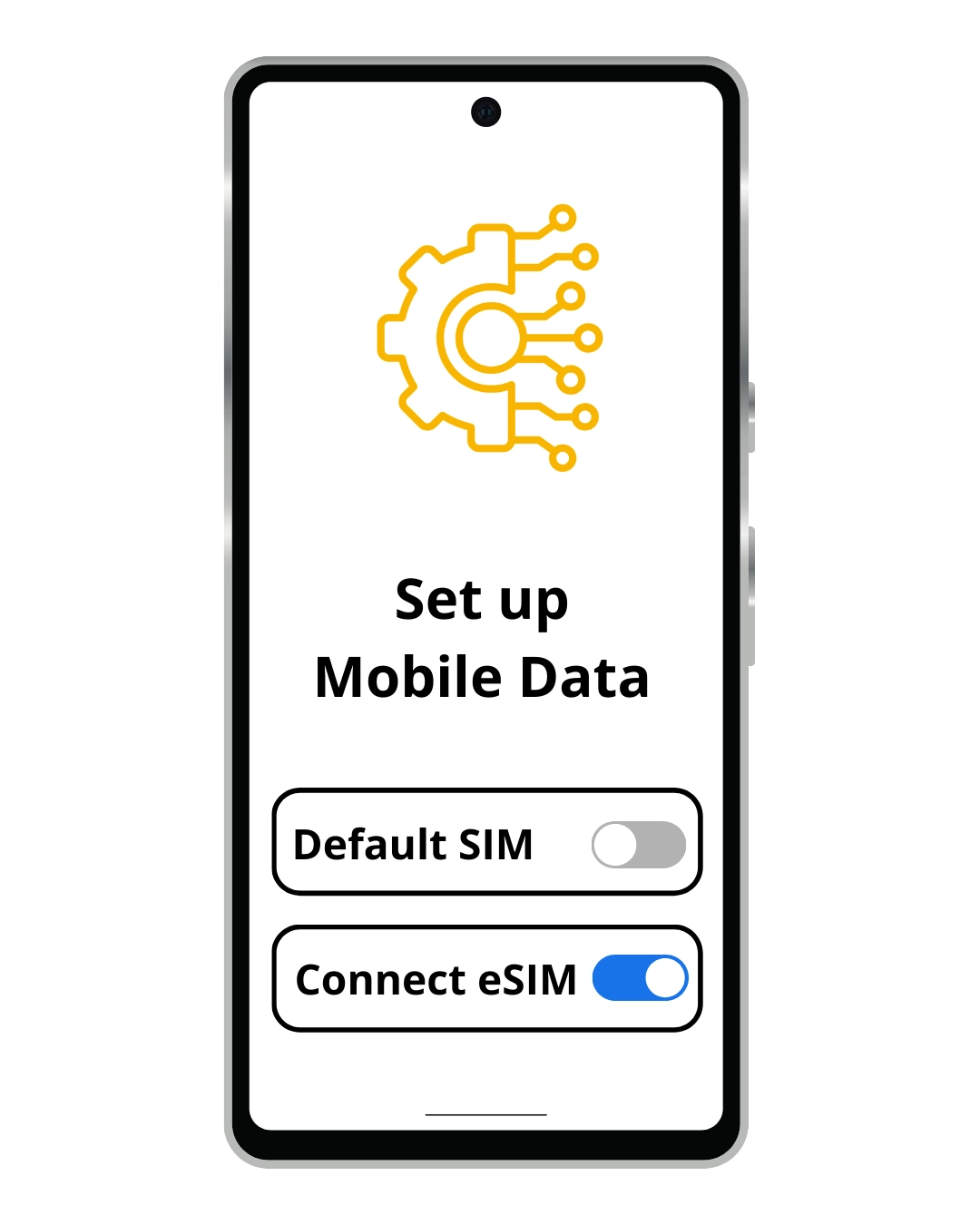
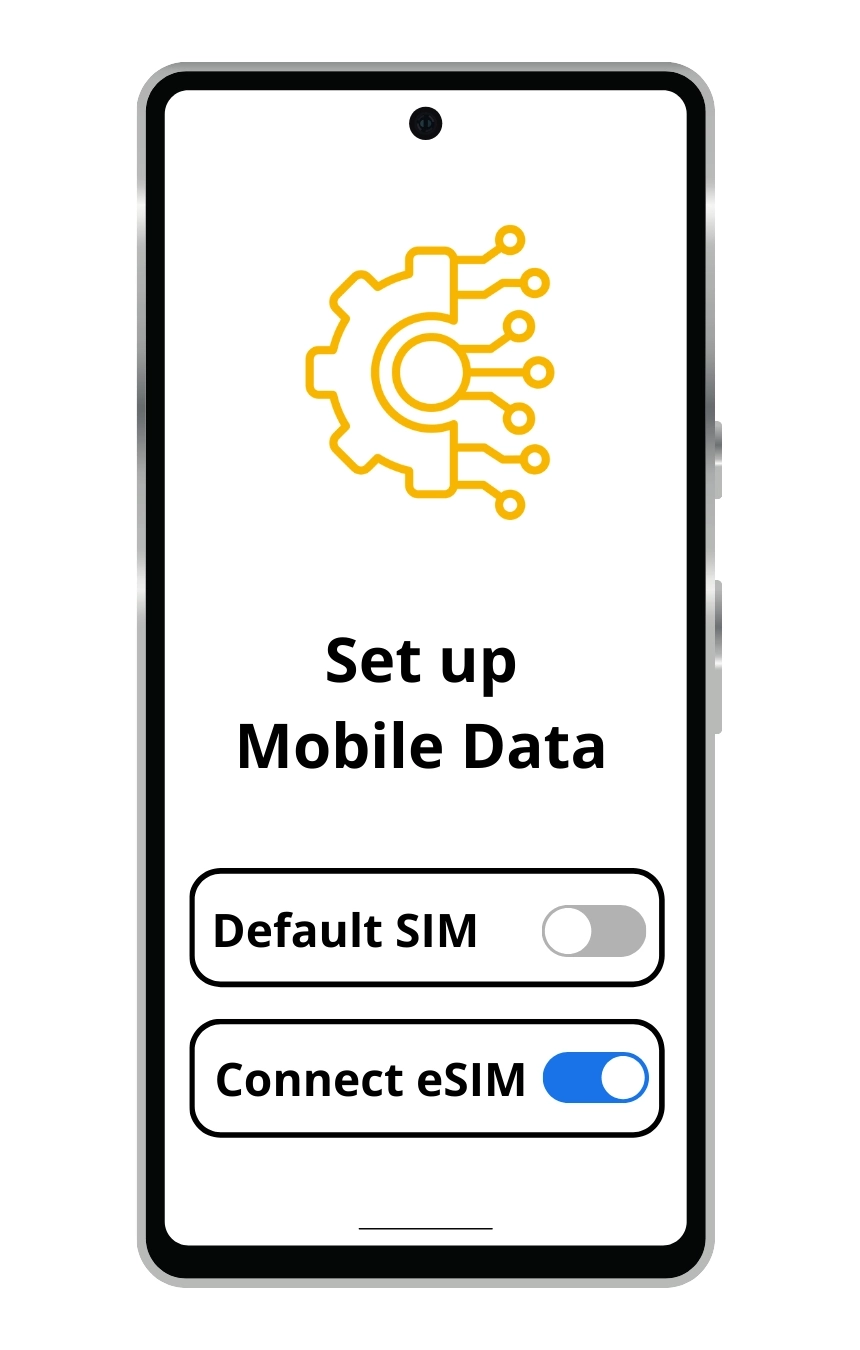
Make sure Mobile Data and Data Roaming are enabled for your eSIM as per this guide.
(wording varies by device)

(wording varies by device)
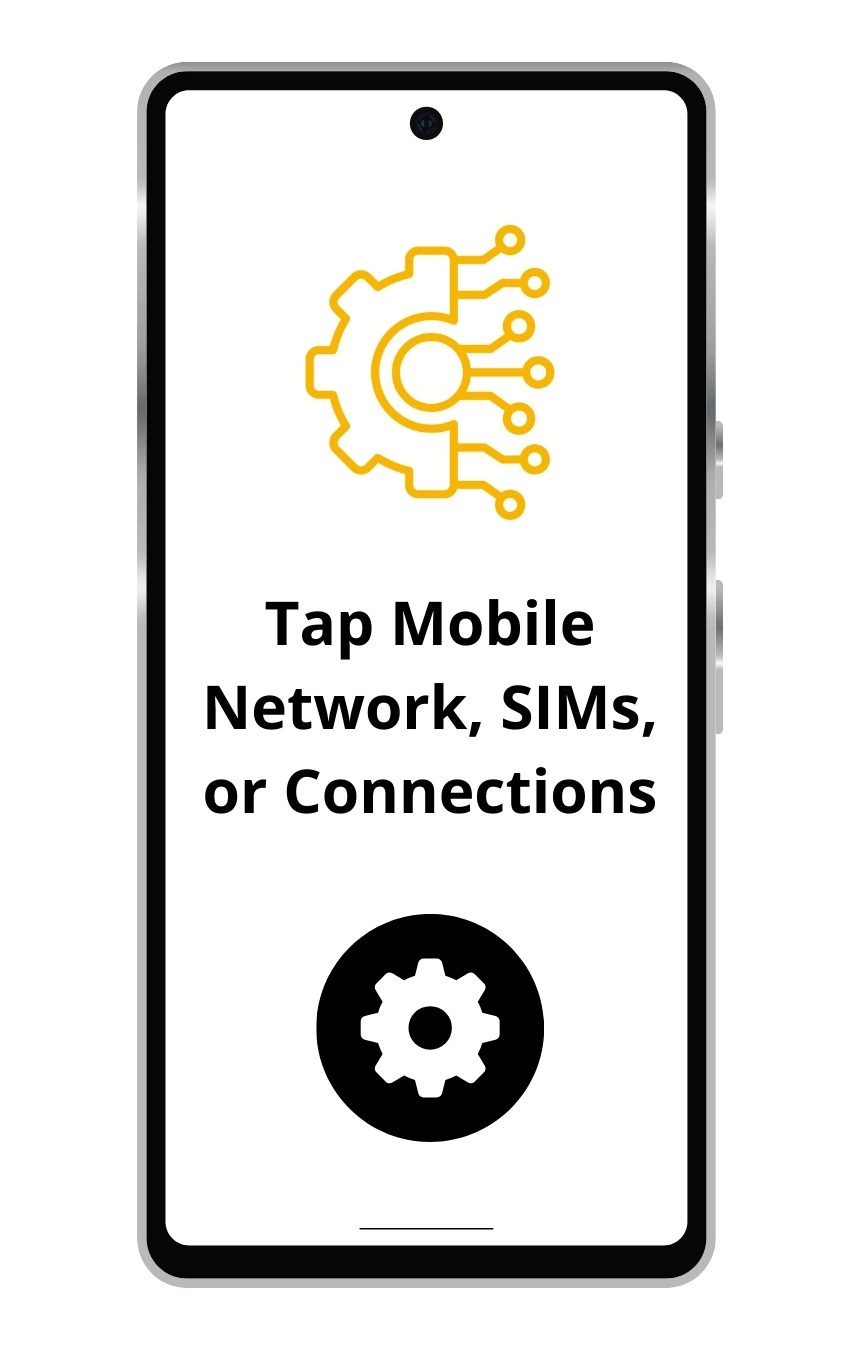
(wording varies by device)
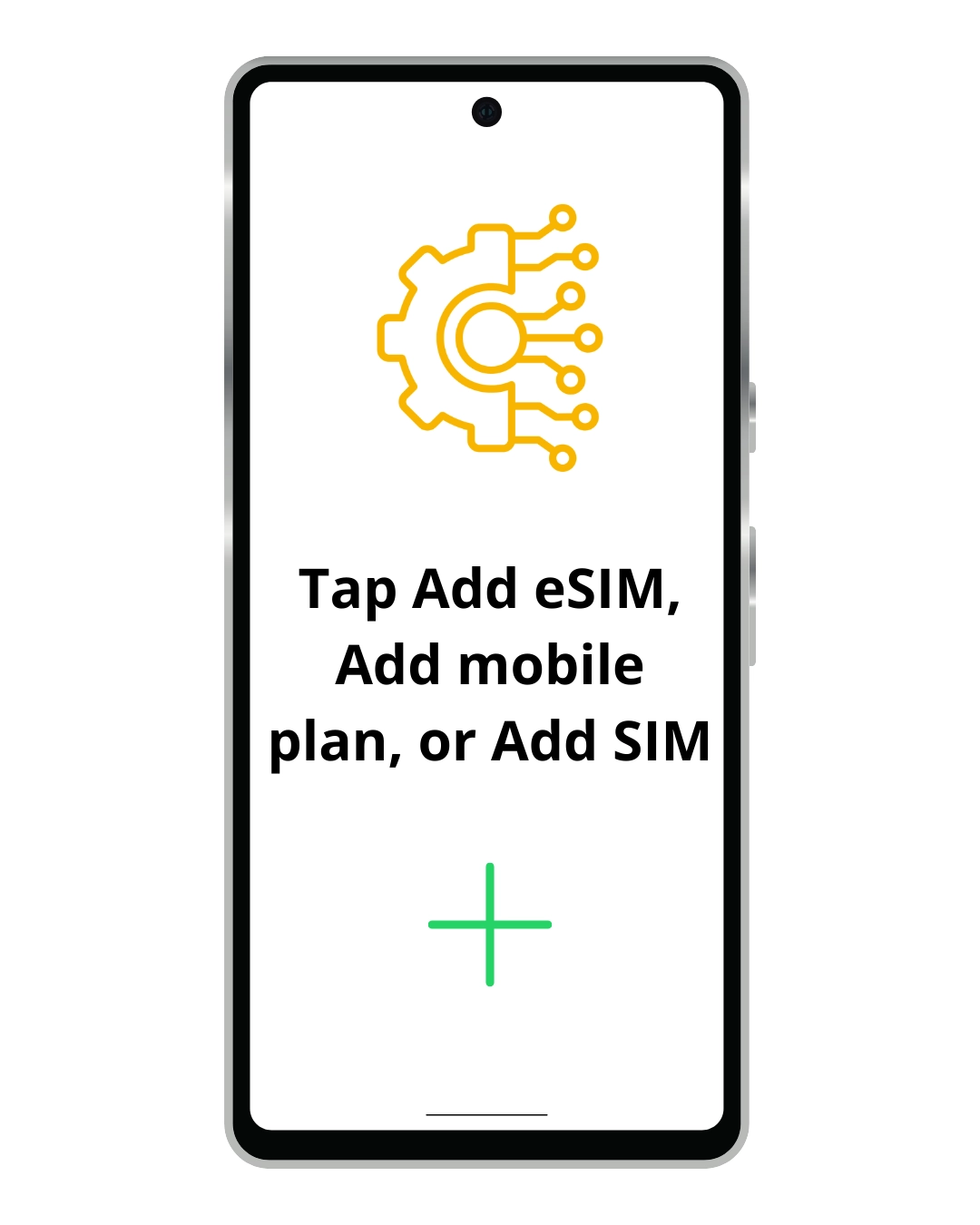
(wording varies by device)

(wording varies by device)
(wording varies by device)
Tip: If you’re viewing this guide on your phone, open your QR code on another device so your camera can scan it.
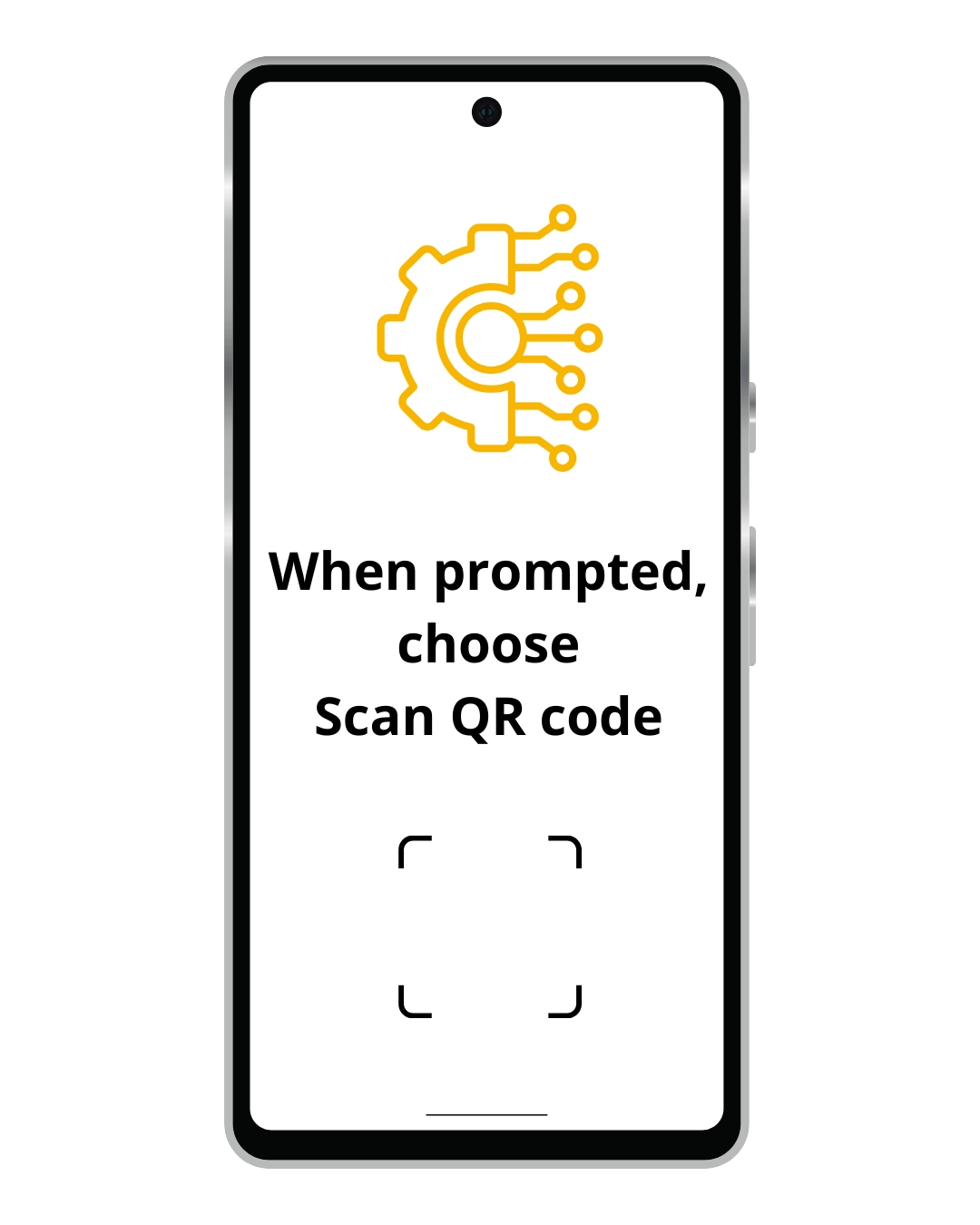
Tip: If you’re viewing this guide on your phone, open your QR code on another device so your camera can scan it.

Tip: If you’re viewing this guide on your phone, open your QR code on another device so your camera can scan it.


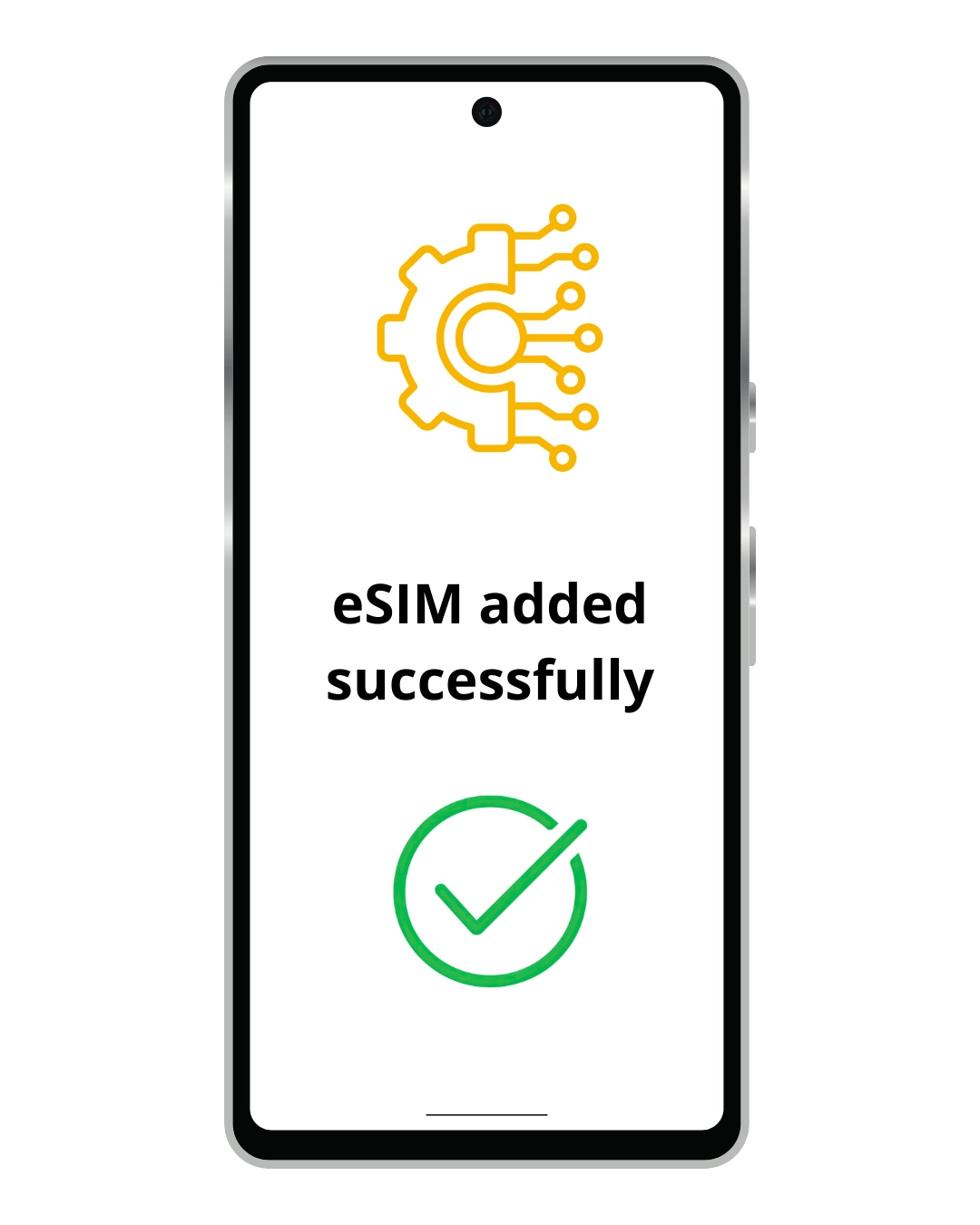




Use this method if QR code installation isn’t available
Go to Settings > Mobile Data
Tap Add eSIM
Select Enter Details Manually
Paste the Manual Activation Code from your eSIM purchase email
Follow the on-screen steps to finish setting up your eSIM

© 2026 All rights reserved.